
.....obsolete user manuals, a lot of repair manuals, free service manuals, rare schematic diagrams, usefull service instructions, pdf books, how to repair instructions, lost operating manuals, old handbooks, tons of part lists, hidden service bulletins, your instruction books, informative repair tips, complete disassembly routines.....


What are you looking for?


Brüel & Kjær - 2143 - Analyzer
Manufacturer:
Equipment:
2143
Date:
1992
Category:
Group:
Sub Group:

Information

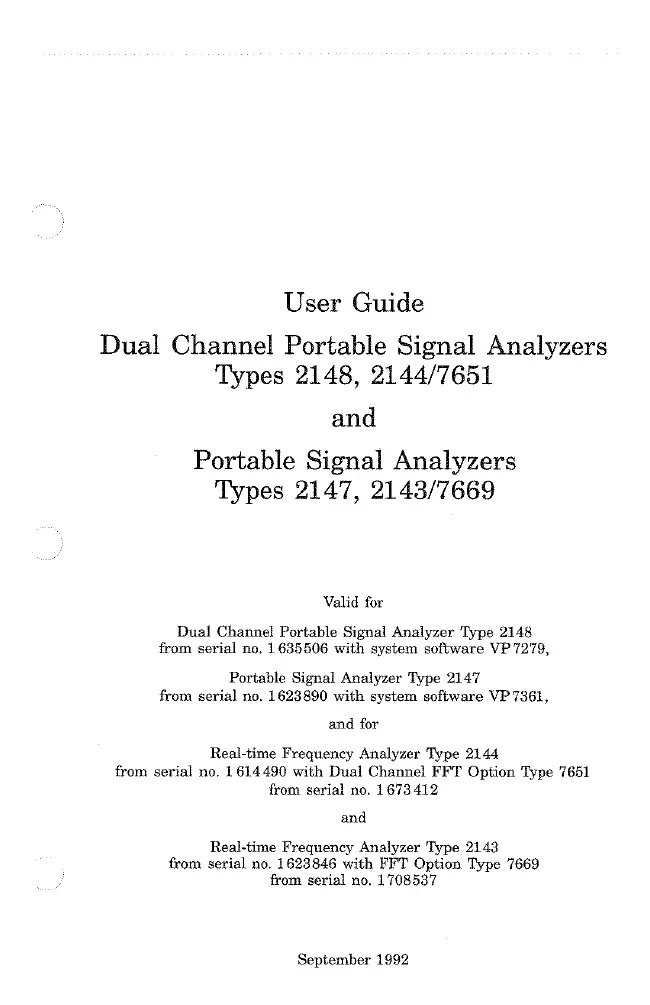
Dual Channel Portable Signal Analyzer Type 2148 and Portable Signal Analyzer Type 2147 are portable FFT Analyzer for acoustics, electroacoustics and vibration measurements. Their light weight and water-protected cabinets make them especially well suited for use in the field, yet their measuring capabilities easily match those of a laboratory instrument. The Analyzer feature 2048 sample transform size (801 lines), real-time zoom, advanced cursor functions, and a frequency range to 25.6 kHz in single-and (for Type 2148 dual-channel operation. The Analyzer are operated by means of user-interactive menus. This enables you to quickly become familiar with the use of the Analyzer Access to a system of on-screen help pages provides you with information about the use of the menus at any time and in any place. A large internal non-volatile memory, together with back-up disk storage facilities, make the Analyzer a powerful data-gathering device. The IEEE 488 and RS-232-C Interface allow data-processing and external control.

show more

1 Manual

User manual
Manual type:
User manual
Pages:
294
Size:
7.8 MB
Language:
english
Revision:
Manual-ID:
Date:
September 1992
Quality:
Scanned document, all readable.
Upload date:
May 26, 2017
MD5:
eb68d5eb-60e6-b96d-377d-a1515ab990e0
Downloads:
3206

Information

1 Introduction...1 -l 1.1 About Types 2148 and 2147 1-2 1.2 About Types 7651 and 7669 1-2 1.3 About this User Guide...1-3 2 Installation and Maintenance...2-1 2.1 Power Supply...2-2 2.2 Grounding Considerations...2-5 2.3 Cleaning the Disk Drive...2-7 2.4 Installing the 7651 or 7669 Software Key...2-8 3 Controls and Connections...3-1 3.1 Front Panel...3-2 3.2 Rear Panel...3-5 4 Getting Started...4-1 4.1 Switching On...4-2 4.2 General Measurement Procedure...4-3 4.3 The Menu and Help Page System...4-3 4.4 Changing Parameters in the Set-up...4-8 4.5 Calibration...4-10 5 Making Measurements...5-1 5.1 Measurement Types...5-2 5.2 Screen Layout in Measurement Mode...5-3 5.3 Measurement Mode Menus...5-8 5.4 Trigger/Multimode...5-14 5.5 Sound Intensity Probe Type 3548... 5-26 6 Details of Menus...6-1 6.1 Overload Indication...6-2 6.2 Input...6-3 6.3 Averaging/Channel Delay...6-3 6.4 No. of Lines...6-5 6.5 Baseband Analysis...6-5 6.6 Zoom Analysis...6-6 6.7 Time Weighting...6-7 6.8 Spectrum Weighting...6-7 6.9 Zero Padding and Bow-tie Correction...6-7 6.10 Data View...6-8 7 Memory...7-1 7.1 Saving Measurement Data ...7-2 7.2 Measurement Text...7-4 8 Preselected Set-ups...8-1 8.1 Factory-defined Set-ups ...8-2 8.2 User-defined Set-ups...8-2 9 Autosequences...9-1 9.1 Autosequence Set-up...9-2 9.2 Programming and Executing an Autosequence...9-2 9.3 Editing an Autosequence...9-4 9.4 Standby Mode...9-5 10 Post-processing...10-1 10.1 Spectrum Calculator Menu...10-2 10.2 File Modification...10-3 10.3 Sound Power Calculation...10-3 10.4 Spectrum Arithmetic...10-5 10.5 Spectrum Weighting...10-6 11 Specifications...11 -l 11.1 Specifications 2147 2143 7669 11-2 11.2 Specifications 2148 2144 7651 11-6 11.3 Accessories 11-9 12 Service and Repair...12-1 13 Appendix...13-1 13.1 Error Messages...13-2 13.2 Provoked Errors and Other Messages...13-5 14 Index... ... 14—1

show more